How to Build a Streaming-Ready Gaming Setup (2025 Guide)
30 August 2025
Learn how to build a streaming-ready gaming setup in 2025 with the right PC specs, camera, microphone, lighting, and software. Perfect for gamers starting their streaming journey.
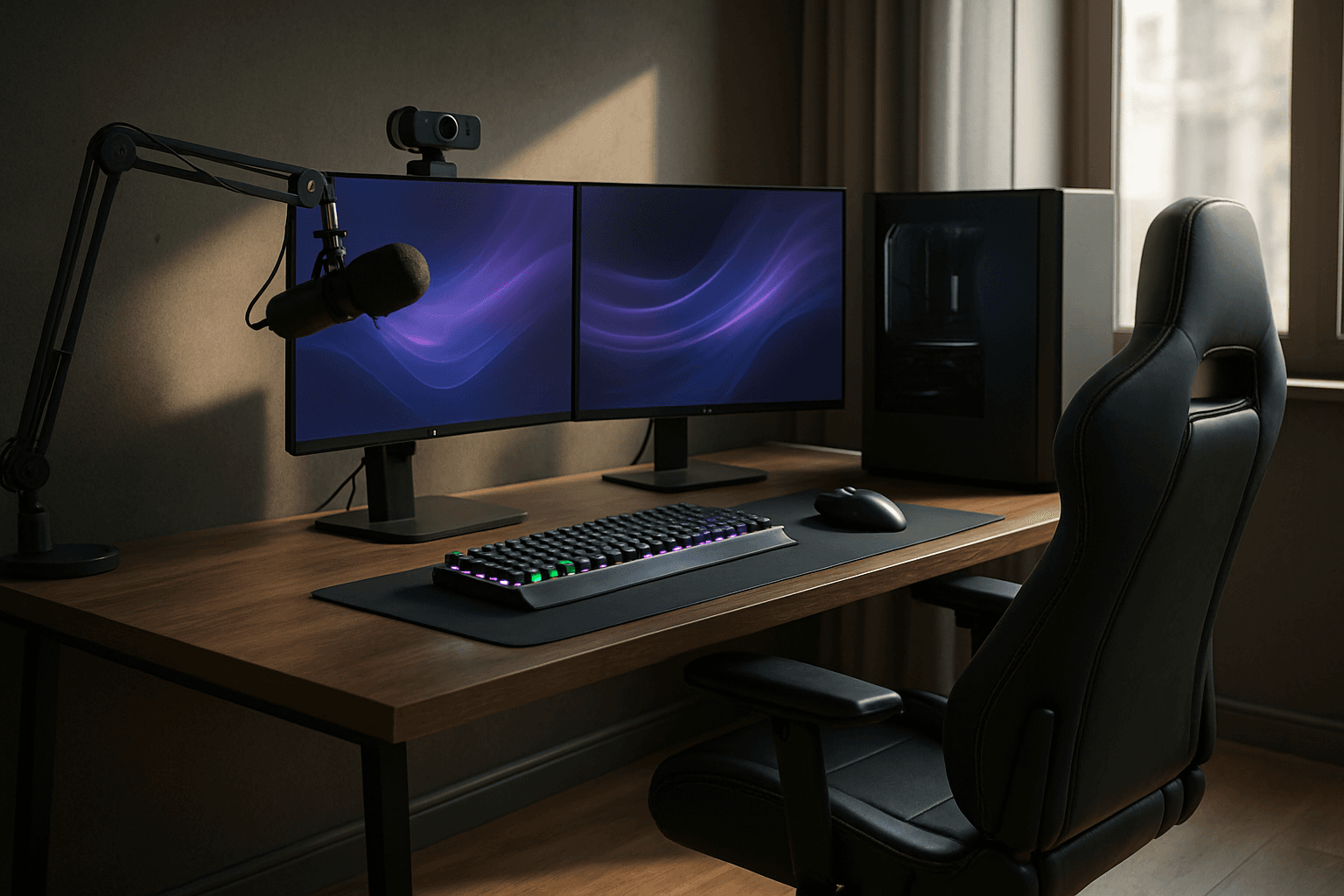
Streaming isn’t just about showing off your skills-it’s about those high-voltage moments that make your heart race, or the laughter when your pet crash-lands into camera view. My own first stream? Let's just say, it featured a desk made from a pile of books and a borrowed mic with electrical tape. If you’re ready to leap in, let’s make sure your setup can match your ambition and spark real connection.
Step-by-Step Guide to a Streaming-Ready Setup 🎥🎮
- Build Your Battle Station: The Right PC →
Your setup is the backbone of every epic stream moment. Aim for at least an AMD Ryzen 7 or Intel i7 CPU, 16GB+ RAM, and an RTX 3060 or better-something that'll keep your gameplay smooth and your stream stutter-free. Dreaming big? Many pros run a dual-PC setup, one for gaming, one for streaming-like having a trusty co-op partner dedicated to each job.
- Let Your Audience See You: Pick the Right Camera →
Your expressions tell a story. Entry-level webcams like Logitech StreamCam or Elgato Facecam give you genuine, vibrant video. Want movie vibes? Pair a trusty DSLR or mirrorless camera with a capture card and suddenly, your little streaming corner looks like a studio set.
- Make Your Voice Heard: The Microphone Matters →
Your audience wants to hear every laugh, joke, and victory yell. USB mics like the Blue Yeti are plug-and-play simple. For that 'radio DJ' richness, go for an XLR mic and interface-your voice will absolutely shine.
- Set the Stage: Find Your Lighting Style →
Lighting is your secret weapon. A ring light or a splash of RGB color can transform your stream’s mood. Are you all blues and purples for calm vibes, or neon and red for action mode? Experiment until you find your look, and keep shadows at bay for pro-level polish.
- Never Miss a Frame: Capture Cards for Console Play →
Console gamers, rejoice-a capture card like an Elgato HD60 X brings every console win to your Twitch or YouTube channel. It’s plug, play, and suddenly your PlayStation clutch moments are ready for the world to cheer you on.
- Make It Yours: Streaming Software for Personality →
Your overlays, your alerts, your vibes. OBS Studio is a favorite of pros, while Streamlabs is packed with ready-made overlays and widgets for new streamers. Your software is your creative playground-tinker and see what fits your style.
- Ensure Every Stream is Smooth: Strong Internet is a Must →
Few things sting more than dropping frames mid-victory. Aim for 10 Mbps+ upload speed and go old-school wired if you can; a trusty ethernet cable has rescued many a climactic moment!
- Show Your Brand: Personalize Everything →
Viewers remember you as much as your gameplay. Custom overlays, unique alerts, and even a catchy stream intro can set you apart. Dive into platforms like OWN3D or StreamElements-or design your own touches!
FAQs
Final Thoughts 💭
Every streamer starts somewhere-usually with a shaky desk and bundles of nerves! It’s not just the hardware but your passion and quirks that make streams unforgettable. Begin with the essentials, layer on the upgrades as you grow, and always remember: someone out there is just waiting to join your adventure.