How to Choose the Best Computer, Study, or WFH Desk (2025 Guide)
20 September 2025
Learn how to choose the perfect computer, study, or WFH desk for maximum comfort, productivity, and style. Our 2025 guide covers desk size, materials, ergonomics, storage, and design tips.
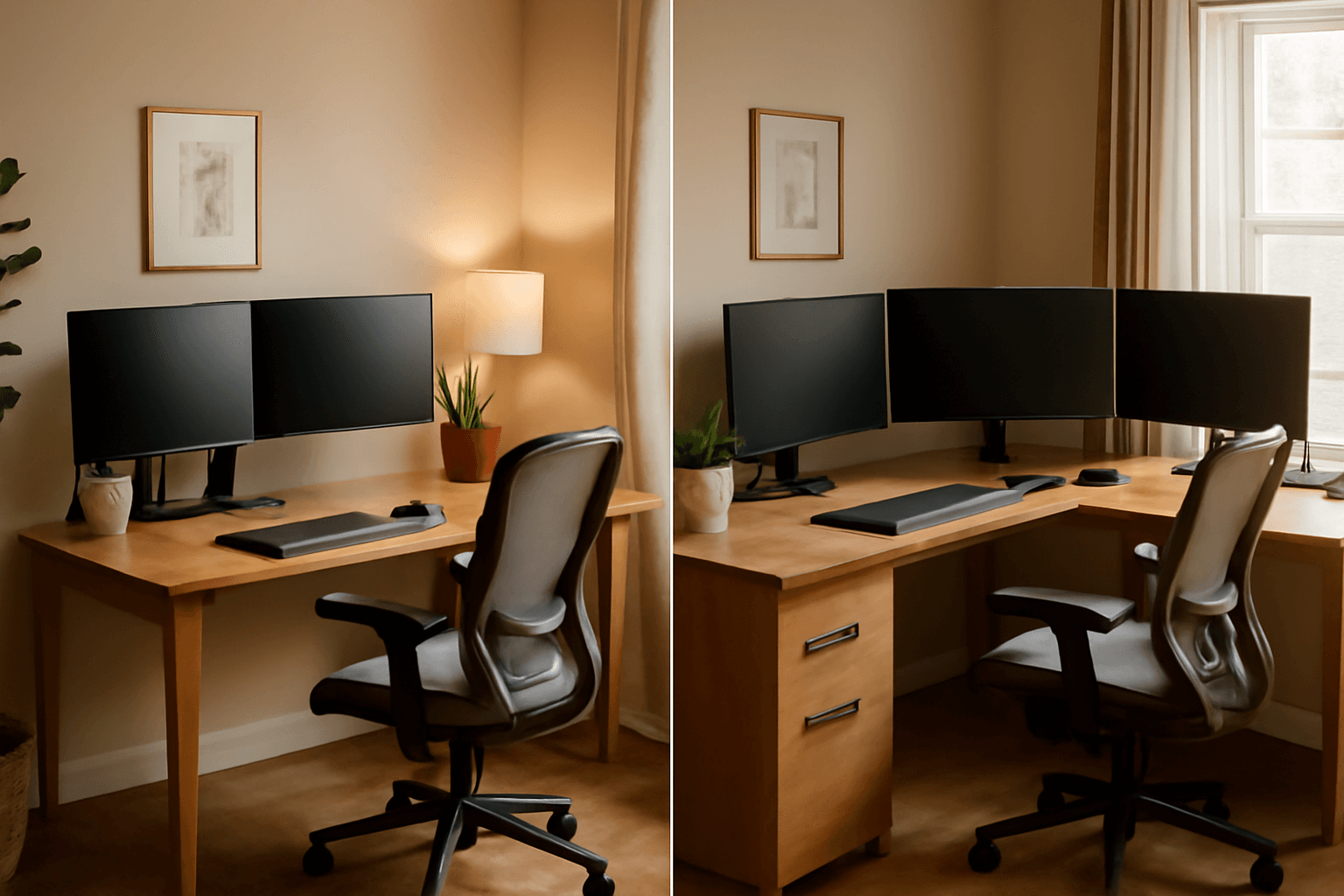
A well-chosen desk can significantly impact your productivity, posture, and overall comfort-whether you are studying, working from home, or gaming. With so many options available in 2025, this guide will help you pick the perfect computer, study, or WFH desk that fits your space, style, and functional needs.
Complete Desk Buying Guide 2025 🪑
- Identify the Primary Purpose →
Determine if the desk will be used for work, study, gaming, or a combination. For WFH setups, consider space for dual monitors, laptops, and peripherals. For students, prioritize space for books and stationery.
- Measure Your Space and Choose the Right Desk Size Carefully →
Before purchasing, measure the room and available area to ensure the desk fits comfortably without crowding the room. Leave enough space for chairs, movement, and other furniture. Desk size matters. A wider desk accommodates multiple devices like monitors, laptops, printers, and gaming consoles. Depth should allow for comfortable typing and arm placement.
- Consider Desk Height & Ergonomics →
Standard desk height is 28-30 inches (71-76 cm), but adjustable desks allow customization. Pairing your desk with an ergonomic chair helps maintain proper posture, reducing strain on your back and neck.
- Material & Build Quality →
Opt for desks made of high-quality materials such as engineered wood, MDF, or metal. Sturdy materials ensure stability, prevent wobbling, and increase durability. Avoid low-quality particle boards that can sag over time.
- Storage & Organization Features →
Look for desks with drawers, shelves, or cable management systems to keep your workspace tidy. Built-in storage reduces clutter and improves productivity, especially in home offices or study setups.
- Style & Aesthetics →
Choose a desk design that complements your room’s décor. Modern minimalist, industrial, or classic wooden desks can enhance the visual appeal of your space while being functional.
- L-Shaped vs. Straight Desks →
L-shaped desks provide additional workspace for multiple monitors, gaming setups, or study materials. Straight desks are ideal for smaller spaces or minimal setups.
- Adjustable & Sit-Stand Options →
Sit-stand desks allow you to alternate between sitting and standing, improving posture and reducing fatigue. Adjustable desks are ideal for WFH and long study sessions.
- Monitor & Device Compatibility →
Check if the desk can accommodate your monitors, laptops, or gaming consoles. Some desks include monitor stands or keyboard trays to optimize workspace ergonomics.
- Cable Management & Accessories →
Desks with built-in cable organizers, hooks, or grommets help keep wires and accessories organized, creating a cleaner and safer workspace.
- Budget Considerations →
Set a budget that balances quality, functionality, and style. Investing in a slightly higher-quality desk can save money in the long run by avoiding replacements.
- Easy Assembly & Maintenance →
Check if the desk comes with an assembly manual and pre-drilled holes for quick setup. Materials should also be easy to clean, waterproof, and scratch-resistant for long-term durability.
FAQs
Final Thoughts 💭
Choosing the right desk is more than aesthetics; it’s about comfort, productivity, and long-term health. Consider your space, purpose, ergonomics, and storage needs to select the best computer, study, or WFH desk in 2025.