How to Maintain and Clean Your Gaming Setup Like a Pro (2025 Guide 🧹🎮)
16 October 2025
A dusty desk, sticky keyboard, and loud PC fans can turn your dream gaming setup into a nightmare. Learn how to properly clean, maintain, and protect your gaming gear with this easy step-by-step guide. From peripherals to airflow management, discover how to make your setup look and feel brand new-without spending a fortune.
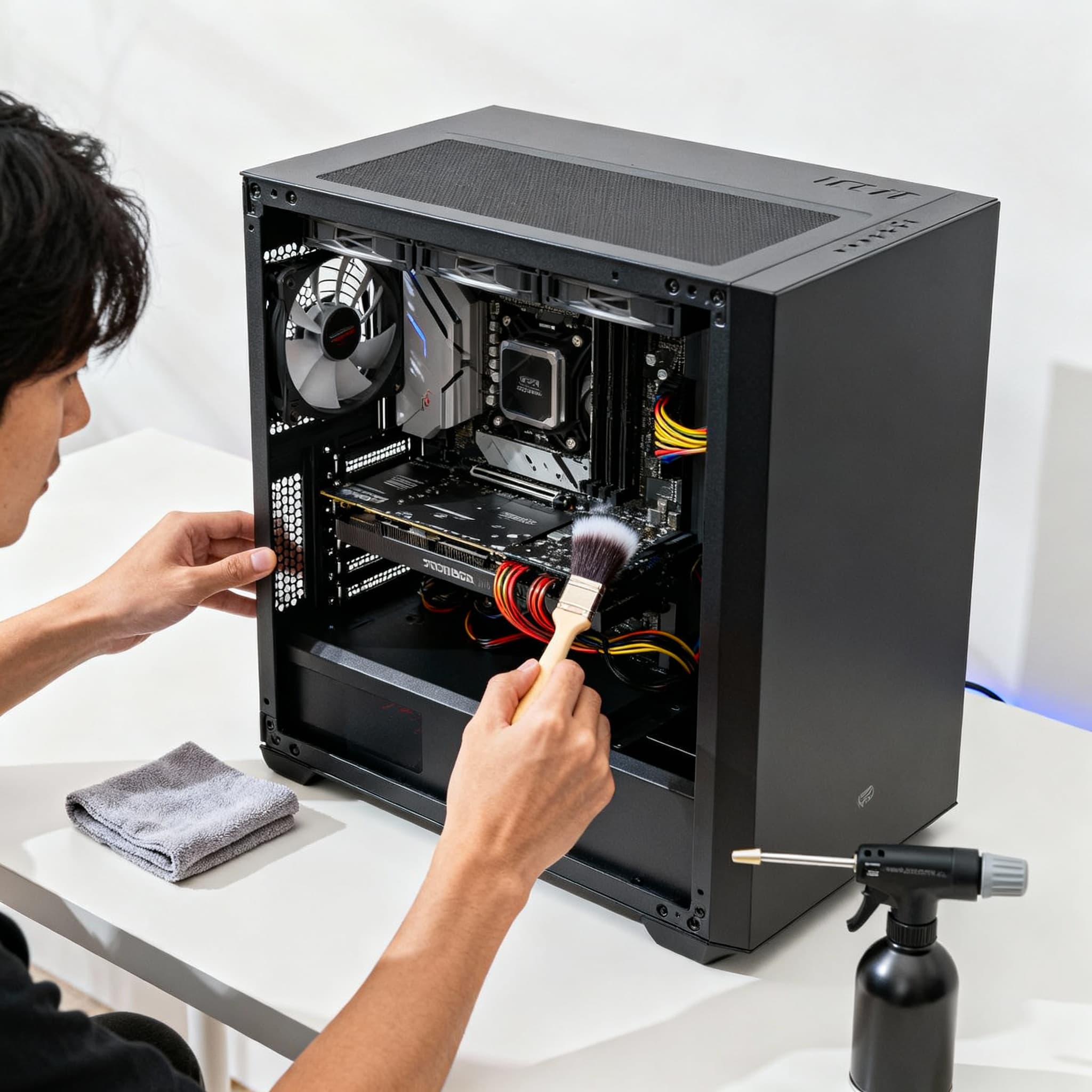
Let’s be honest-every gamer loves a clean setup, but most of us only start cleaning once the dust, crumbs, and tangled cables have taken over. A messy desk, sticky keyboard, or noisy PC fans don’t just look bad-they hurt your gaming experience. Keeping your gear clean isn’t just about appearances; it helps performance, comfort, and longevity, whether you’ve got a budget setup or a full RGB battlestation. Here’s an easy, step-by-step guide to keeping your gaming setup fresh and running smoothly.
Gaming Setup Cleaning & Maintenance Guide (2025 Edition) 🧽✨
- Start by Powering Down and Unplugging Everything →
Safety first! Before you start, shut down your PC, console, and accessories, and unplug them from the power source. It might seem obvious, but this step can save you from accidental damage or static shocks while cleaning.
- Tackle the Dust - Your Setup’s Silent Enemy →
Dust may be invisible, but it’s working against you-clogging vents, slowing fans, and making your components overheat. Grab a microfiber cloth or some compressed air and clean your desk, monitor, and keyboard regularly. For vents and fans, use short bursts of air instead of long streams to avoid damage.
- Clean Your Keyboard and Mouse Thoroughly →
Your keyboard and mouse take the brunt of your gaming sessions. Use a soft cloth and isopropyl alcohol to clean surfaces. Got a mechanical keyboard? Carefully pop off the keycaps and dust underneath - you’d be shocked how much gunk accumulates there! A clean keyboard not only looks better but feels way nicer to use.
- Monitor Care - Keep That Display Crystal Clear →
Regular cleaners and paper towels can do more harm than good. Use a microfiber cloth and a dedicated screen cleaner, wiping gently in circles to avoid streaks. Clear screens make your games look sharper and help keep your eyes comfortable.
- Organize Cables for Better Airflow and Aesthetics →
Cable management isn’t just about looks - it helps improve airflow and makes cleaning easier. Use Velcro ties or cable sleeves to bundle wires neatly. Route them behind your desk or through cable trays if possible. A clean cable setup makes your desk look professional and prevents dust from collecting in tangled wires.
- Clean Your PC or Console Internals (Carefully!) →
If you’re comfortable opening your PC or console case, use compressed air to blow dust off the fans and heat sinks. Keep the can upright and avoid moisture buildup. If open cases aren’t your thing, consider a professional cleaning once a year. A clean interior makes your system run cooler, quieter, and longer.
- Keep Your Desk and Chair Fresh →
Your desk and chair take a lot of daily wear. Wipe your desk surface weekly using a damp cloth and mild cleaner. For mesh or fabric chairs, vacuum gently or use a lint roller to remove dust and hair. A clean workspace feels instantly more motivating and inviting, helping you stay focused and comfortable longer.
- Add Airflow and Ventilation Improvements →
Make sure your PC or console isn’t crammed against a wall - leave at least six inches behind it to let air flow. If your setup is in a cabinet, prioritize ones with vents. Adding a small fan or air purifier nearby can help keep dust at bay and your gear cool.
- Don’t Forget Headphones, Controllers, and Accessories →
Wipe your headset earcups and controller grips with an alcohol wipe after long sessions - especially during hot or humid weather. This prevents sweat buildup and keeps them fresh. If your headset has fabric pads, gently wash them every few months. Clean accessories not only last longer but feel better every time you use them.
- Make It a Habit - Set a Monthly Maintenance Routine →
Cleaning once isn’t enough. Set a reminder every month for a light clean-up: dusting, wiping, cable check, and airflow inspection. Once every 6 months, do a deep clean. Treat your gaming setup like a prized car - a little regular care goes a long way in keeping it looking and running like new.
- Bonus Tip: Use Desk Mats and Dust Covers →
Desk mats protect your surface from scratches and spills, plus they look sleek. Dust covers keep keyboards and PCs safe when not in use. These small touches save cleaning time and add a polished look to your setup.
FAQs
Final Thoughts 💭
A clean gaming setup feels awesome. Every time you sit down to game or stream, you’ll notice the difference-everything runs smoothly, looks sharp, and feels welcoming. Cleaning your setup isn’t a chore, it’s a ritual that keeps your gear reliable and your motivation high. So grab your cloth, put on your favorite playlist, and show your battlestation some love-your future self will thank you. 🧹💪🎮