Top 10 Mistakes to Avoid When Creating a Gaming Setup (Beginner’s Guide 2025)
26 September 2025
Discover the most common mistakes beginners make when building their gaming setup and learn how to avoid them. Save money, maximize comfort, and create a gaming space you’ll love.
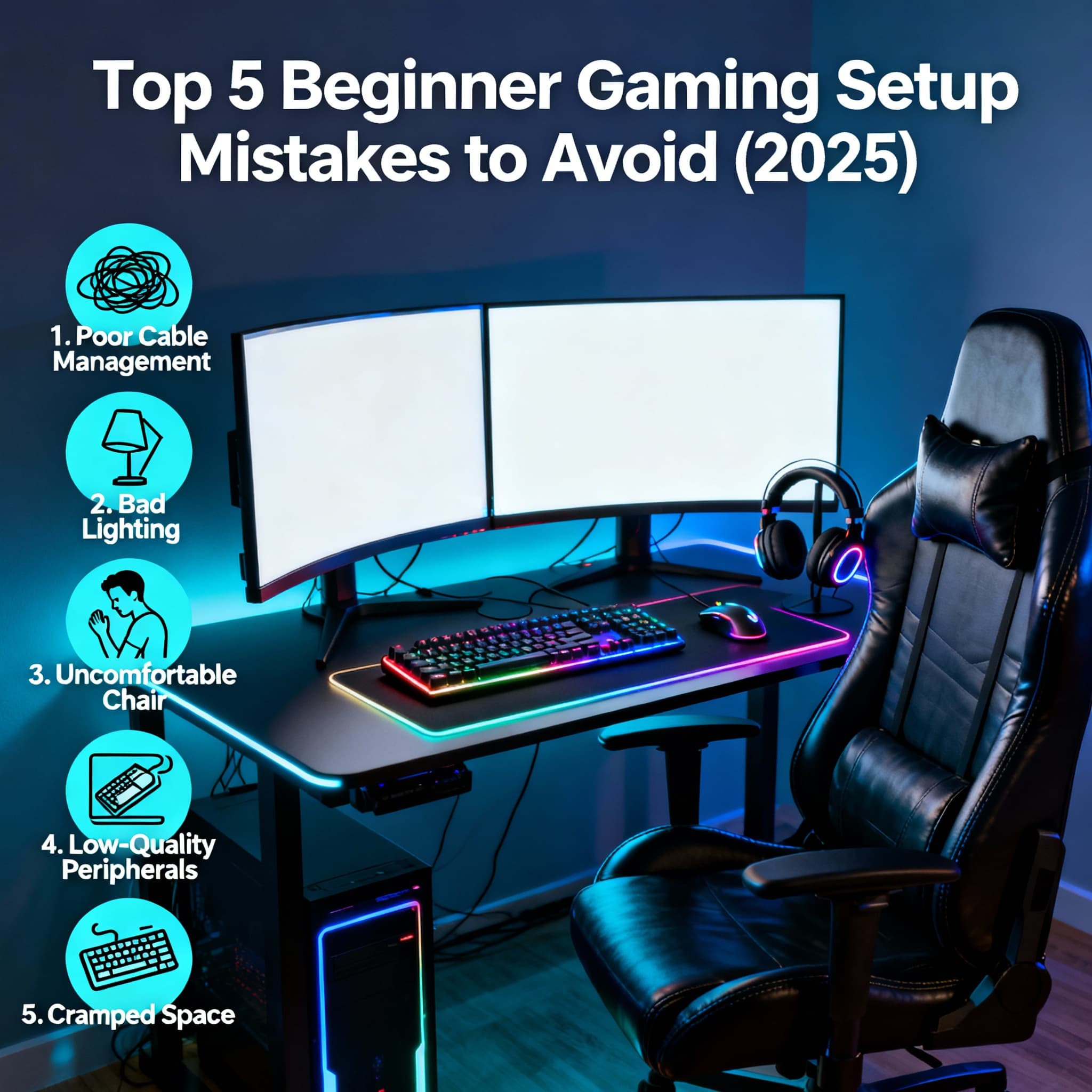
Building your first gaming setup is exciting - the glowing RGB lights, the powerful hardware, and the dream of smooth gameplay. But here’s the catch: many beginners end up wasting money or creating setups that look great but feel uncomfortable or impractical. The truth is, a good gaming setup is about balance: performance, comfort, and personalization. In this blog, we’ll uncover the top 5 mistakes to avoid when creating a gaming setup so you can build a space that truly enhances your gaming experience.
Top 10 Gaming Setup Mistakes to Avoid 🎮
- Overspending on Aesthetics Instead of Performance →
RGB lights, glass cases, and flashy accessories can look tempting, but focusing too much on aesthetics often leads to neglecting performance. What’s the use of a glowing PC if your game lags at critical moments? Prioritize essential hardware like a solid GPU, CPU, and sufficient RAM before spending on looks. A balanced build always beats a ‘shiny but slow’ setup.
- Ignoring Ergonomics and Comfort →
Many beginners forget that they’ll be sitting for hours while gaming. Skipping on a good ergonomic chair, proper desk height, or monitor placement can lead to back pain, eye strain, and fatigue. Comfort should never be an afterthought - invest in a supportive chair, keep your monitor at eye level, and ensure enough space for your keyboard and mouse movement. Your body will thank you later.
- Buying Cheap Peripherals That Don’t Last →
It’s common to blow the budget on the CPU/GPU and then grab the cheapest keyboard, mouse, or headset. But these peripherals are your main contact point with your games. A flimsy mouse can ruin precision, and low-quality headphones can break immersion. Look for peripherals with durability and comfort, not just a low price tag. Quality gear enhances your overall gaming experience.
- Poor Cable Management →
Messy cables not only make your setup look chaotic but can also block airflow, leading to overheating. Beginners often underestimate the importance of clean wiring. Use cable ties, sleeves, or even a simple under-desk organizer to keep things tidy. A clean setup feels more professional and makes future upgrades easier.
- Forgetting Future Upgrades →
Your gaming needs will grow. Maybe today you only play casual titles, but tomorrow you might want to stream or play AAA games. Beginners often lock themselves into setups that can’t be upgraded. Avoid small power supplies, cramped cases, or motherboards with limited slots. Always think a step ahead - a slightly bigger investment now can save you from replacing your entire setup later.
- Wrong Monitor Choice →
What’s the point of buying a high-end GPU if your monitor is 60Hz with high response time? Many beginners underestimate monitors. Go for at least a 1080p 144Hz display for smoother gameplay. If you’re into competitive shooters, refresh rates and response times matter more than resolution.
- Ignoring Cooling and Airflow →
Overheating kills performance and lifespan. Beginners often forget to add case fans or place their setup in poorly ventilated areas. Ensure good airflow with intake and exhaust fans. Even budget builds deserve proper cooling to prevent thermal throttling.
- Skipping Surge Protection or UPS →
One sudden power cut can fry your expensive PC. Beginners often plug directly into the wall without surge protectors or UPS backup. Invest in at least a surge protector and ideally a UPS. It’s a small cost compared to replacing a damaged GPU or motherboard.
- Neglecting Desk Space and Organization →
Trying to fit a full-size keyboard, mousepad, and monitor on a cramped desk ruins comfort. A cluttered desk also kills focus. Choose a spacious desk that accommodates your gear, has room for movement, and leaves space for accessories like speakers or a second monitor.
- Overlooking Internet Connectivity →
Nothing is more frustrating than lag spikes in the middle of a match. Many gamers rely solely on Wi-Fi, which can be unstable. If possible, use a wired Ethernet connection for competitive gaming. If Wi-Fi is your only option, invest in a reliable router and position it close to your setup.
FAQs
Final Thoughts 💭
Creating a gaming setup is more than just throwing money at the latest parts or covering everything in RGB. It’s about building a space that feels personal, comfortable, and powerful enough to grow with your gaming journey. Avoid these common mistakes, and you’ll save money, protect your health, and enjoy every gaming session without regret. Remember: a great gaming setup isn’t built in a day - it evolves with you. Play smart, build smart! 💻✨