How to Transform Your Regular Desk into a Pro-Level Gaming Setup (2025 Guide 💻🎮)
30 October 2025
Think you need a fancy desk to build a great gaming setup? Think again. Learn how to turn your everyday work desk into a stylish, functional, and immersive pro-level gaming station - step by step.
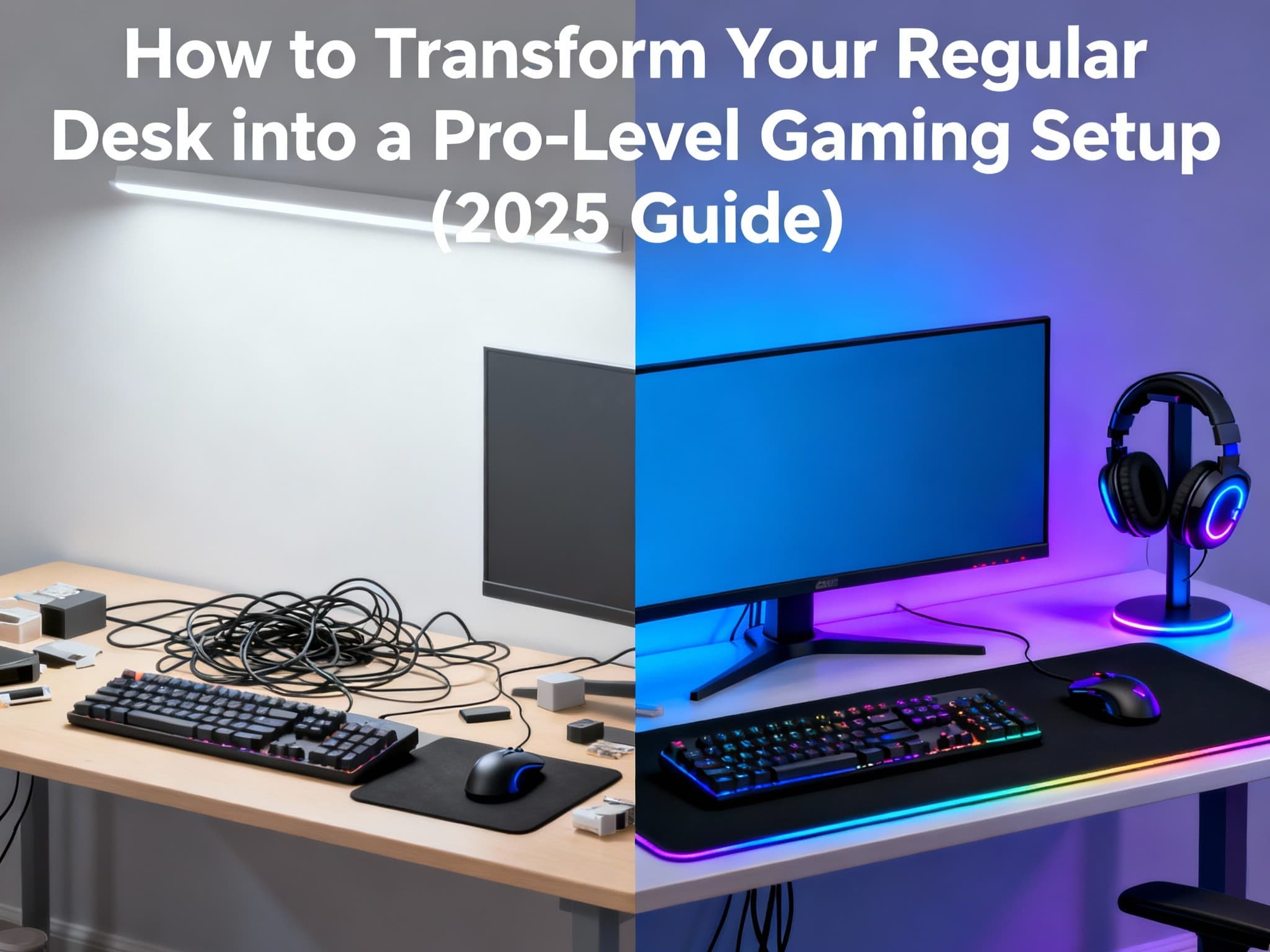
You don’t need to buy an expensive RGB desk to have a killer gaming setup. That plain old desk sitting in your room? It can absolutely become your dream gaming station. With a few clever upgrades, cable tricks, and smart accessories, you can turn that ordinary workspace into a pro-level setup that feels like it was built for champions. Let’s break down how to do it - one satisfying step at a time.
Step-by-Step Guide to Transforming Your Regular Desk into a Gaming Setup 🎮✨
- Clear the Setup - Start Fresh →
Before diving into lights and fancy gear, start simple: clear off your desk. Wipe every corner, clean your monitor, and organize your peripherals. You’ll be surprised how refreshing a spotless space feels - it sets the tone for creativity. Toss out old cables, move clutter elsewhere, and keep only what you really use. A clean workspace isn’t just nice to look at - it instantly gives you that spark of motivation to create something cool.
- Position Your Monitor Smartly →
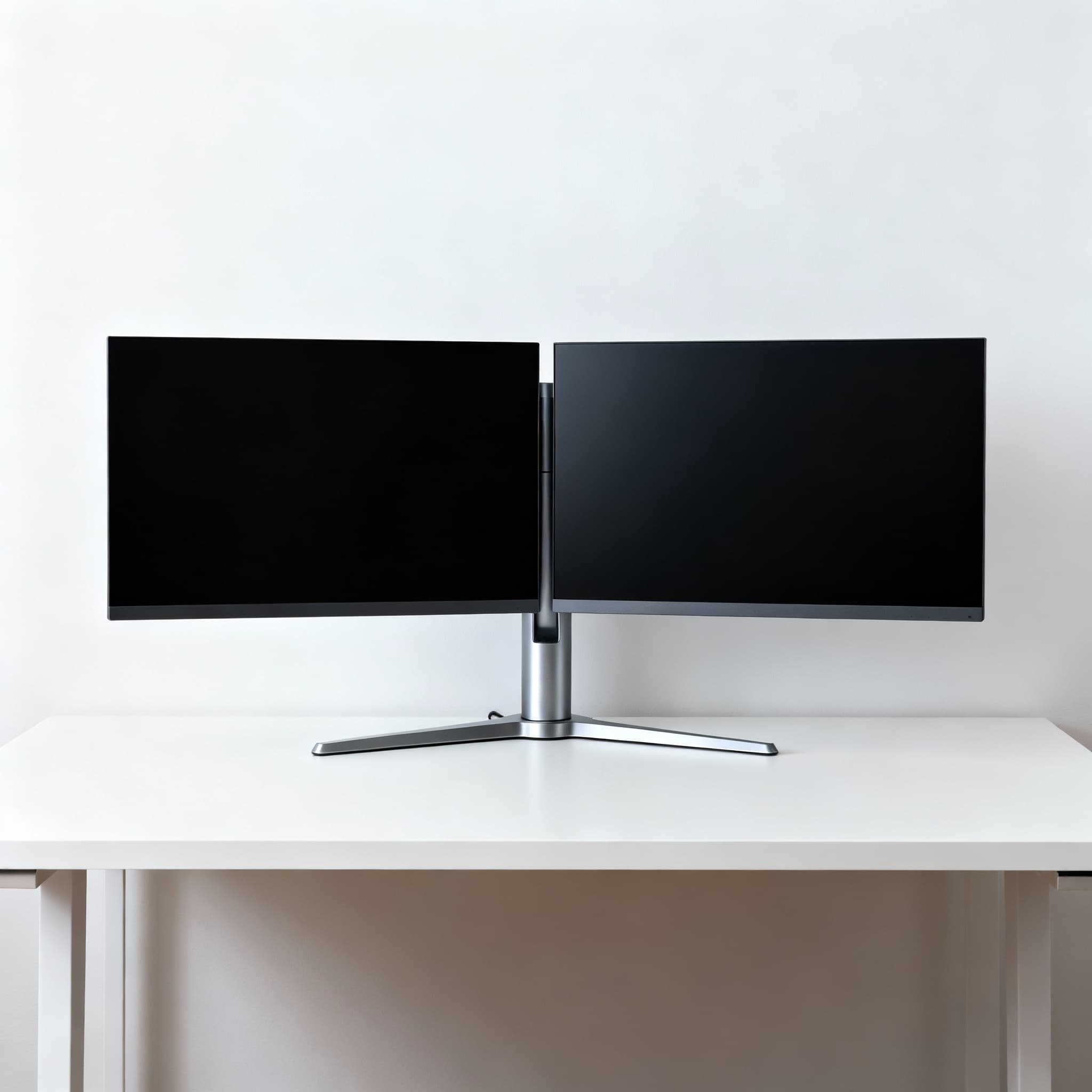
Your monitor is the heart of your setup, so make sure it’s placed just right. Keep the top edge at eye level and about an arm’s length away. This small adjustment makes long gaming or work sessions way more comfortable. If your desk isn’t adjustable, a monitor stand or arm works wonders. Got multiple screens? Line them up evenly - nothing feels better than that smooth, balanced look. For extra immersion, tilt your main screen slightly toward you. It’s a subtle touch that makes a big difference.
- Optimize Desk Space and Layout →
You don’t need an expensive desk to make it look premium. Just organize! Keep your must-haves - keyboard, mouse, headset - within easy reach. Store extra items in drawers or on shelves. A large desk mat keeps everything in place and adds that clean, finished look. If you can, try a corner setup for more space and depth. When everything has its own spot, your desk becomes both practical and sleek - the perfect mix for gamers who like things neat and efficient.
- Manage Those Cables Like a Pro →
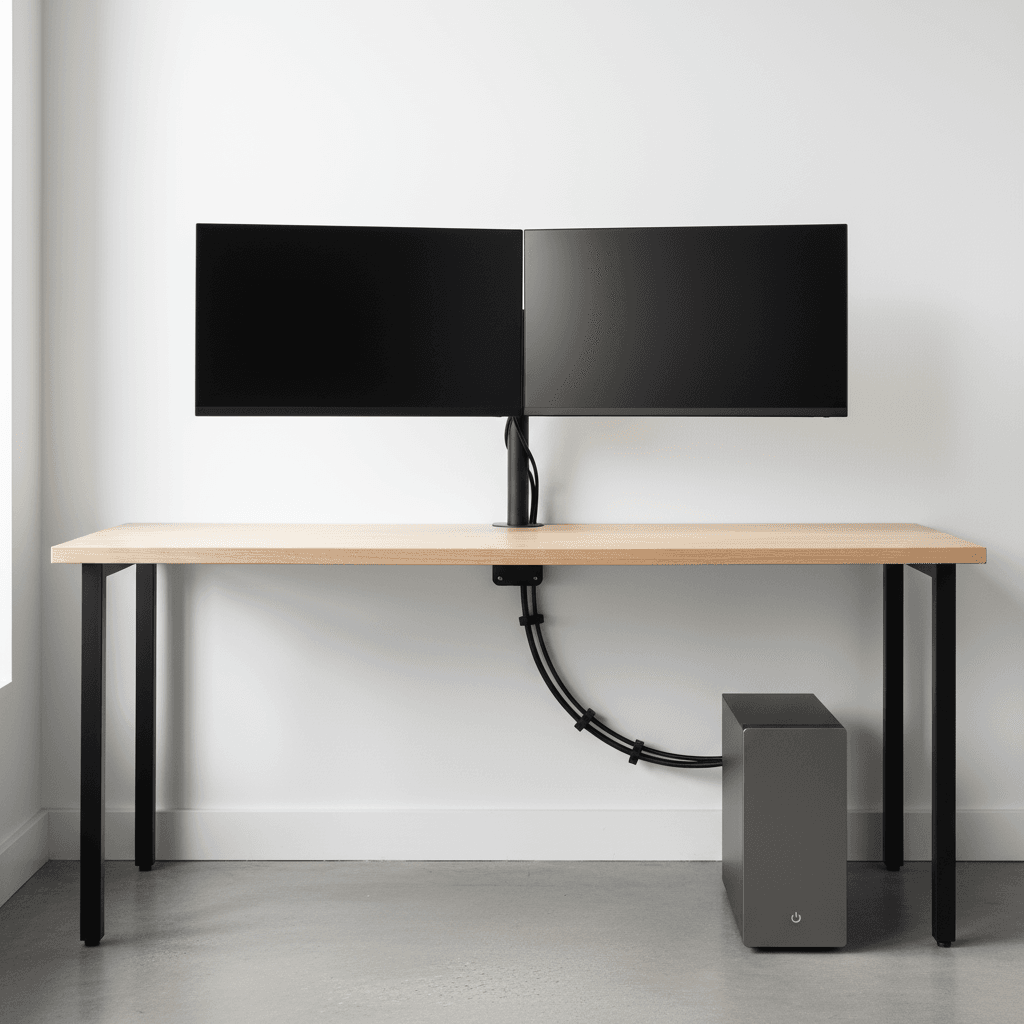
Nothing ruins a setup faster than messy cables. Hide them! Use Velcro ties, cable clips, or under-desk trays to route everything neatly. Group wires by device and, if you can, label them - your future self will thank you. Mount your power strip under the desk to keep things clean and off the floor. The goal is simple: when you glance under your desk, it should look calm - not like a spider’s web. Clean cables make your setup instantly more satisfying to look at.
- Lighting: The Magic Touch →
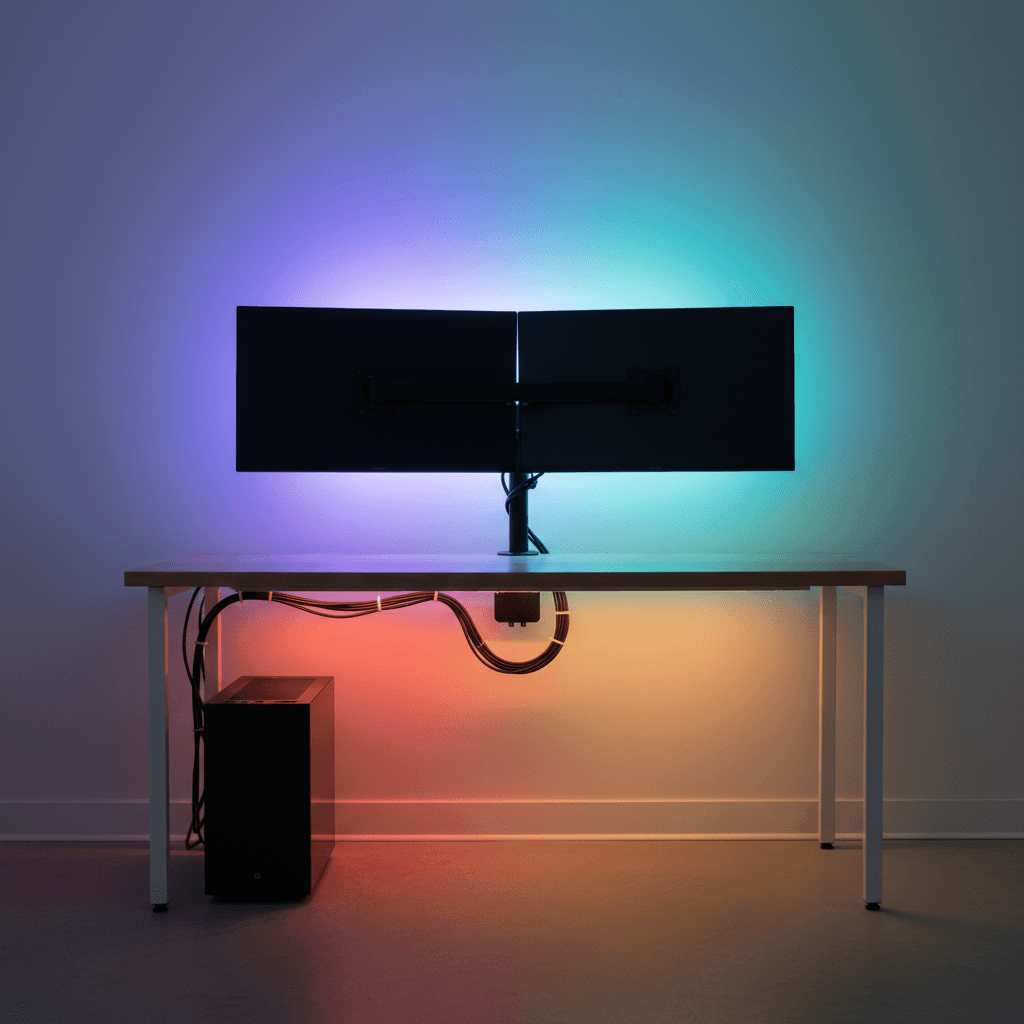
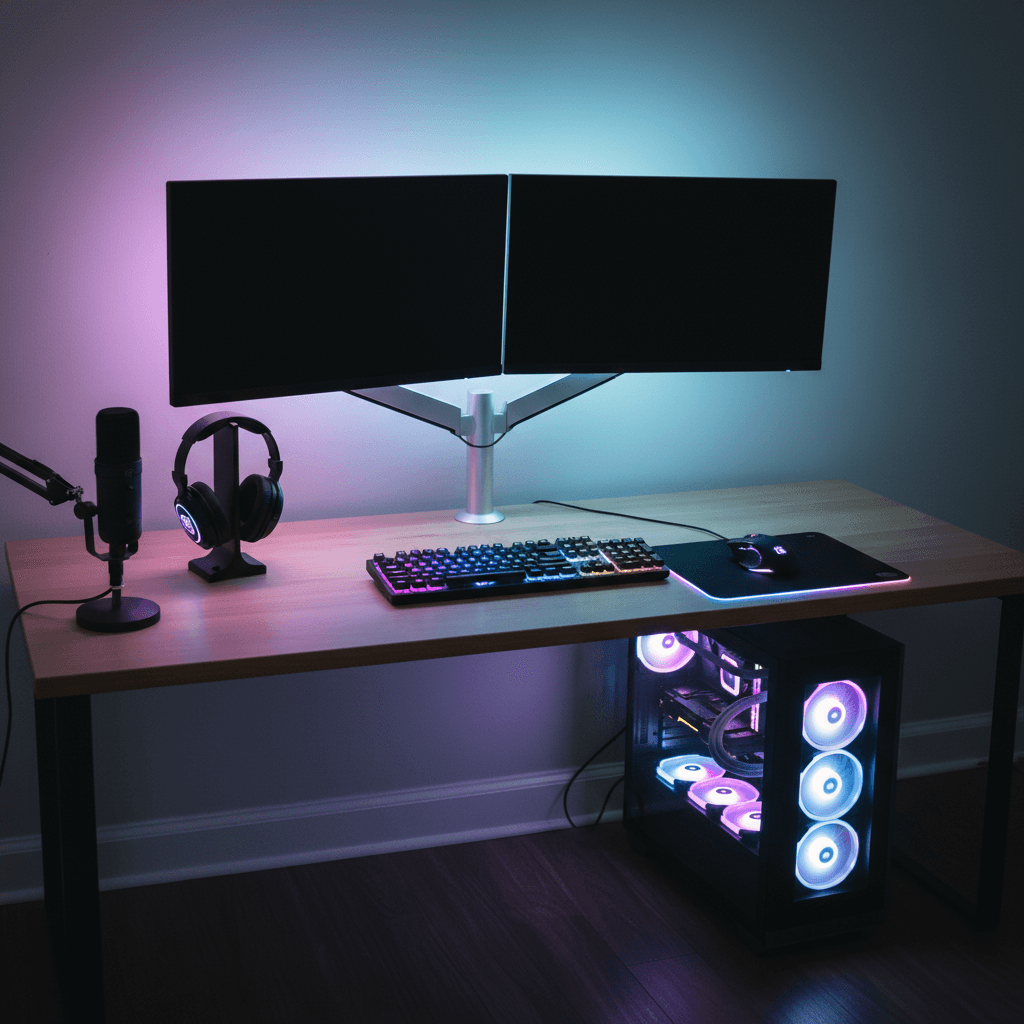
Lighting is the game-changer of all game-changers. Add an RGB strip behind your desk or monitor to set the vibe. Start simple - warm amber tones for cozy nights or cool blues for that futuristic feel. If you’re feeling bold, sync your lights with your PC or music for some dynamic flair. Just remember, less is often more. A well-balanced glow can make your setup look like a command center, not a disco party.
- Upgrade Your Peripherals →
Your peripherals define how the setup feels to use, not just how it looks. A mechanical keyboard isn’t just clicky fun - it adds character. Combine it with a smooth, responsive mouse and a solid headset, and you’re already in pro territory. If you’re streaming or chatting online, consider a good mic or a quality combo headset. You don’t need to drop thousands - plenty of affordable gear in 2025 performs amazingly. It’s all about comfort and personal preference.
- Add Comfort and Ergonomics →
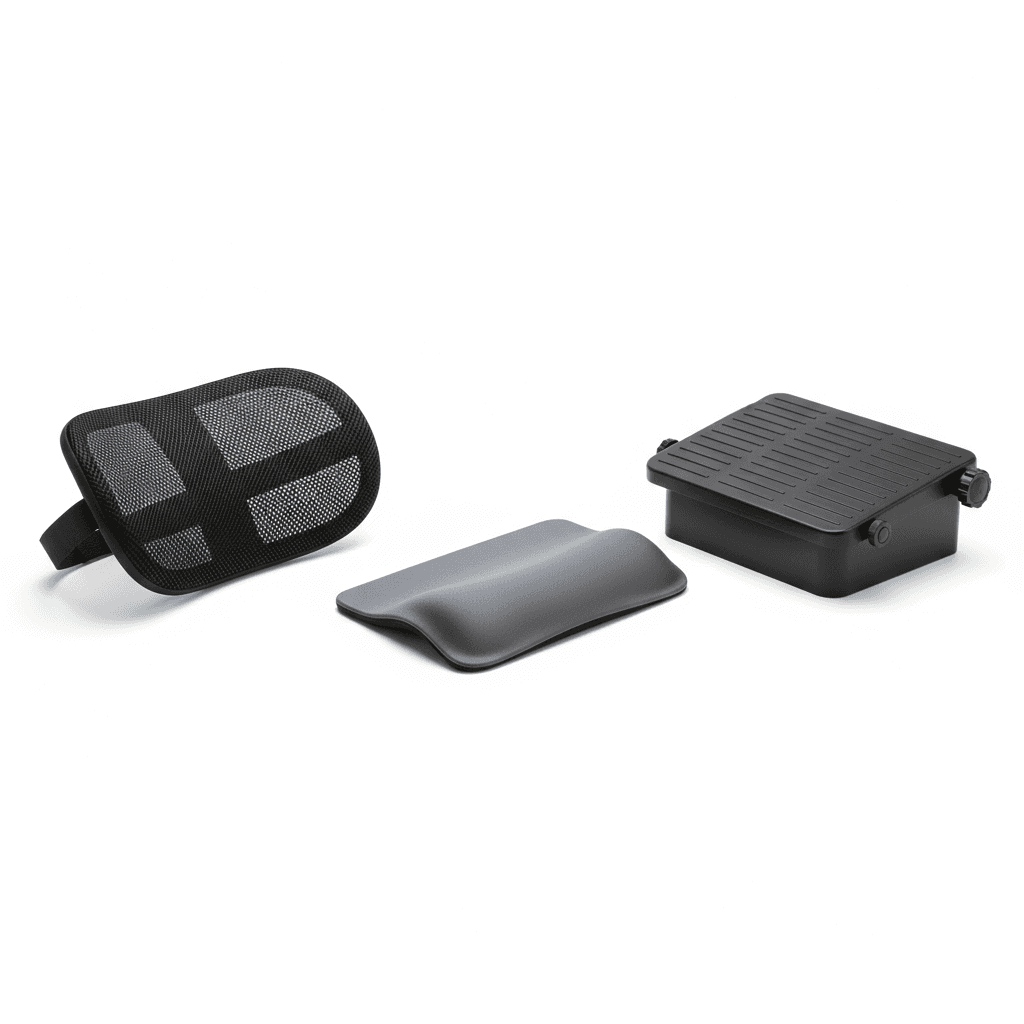
Long gaming or editing marathons can take a toll, so make sure your setup loves your body back. Add a lumbar pillow, lift your monitor to reduce neck strain, or use a wrist rest for support. Even small upgrades like a footrest or an under-desk fan can seriously boost comfort. When your setup feels good, you naturally want to spend more time there - and that’s when you start performing your best.
- Personalize Your Setup →
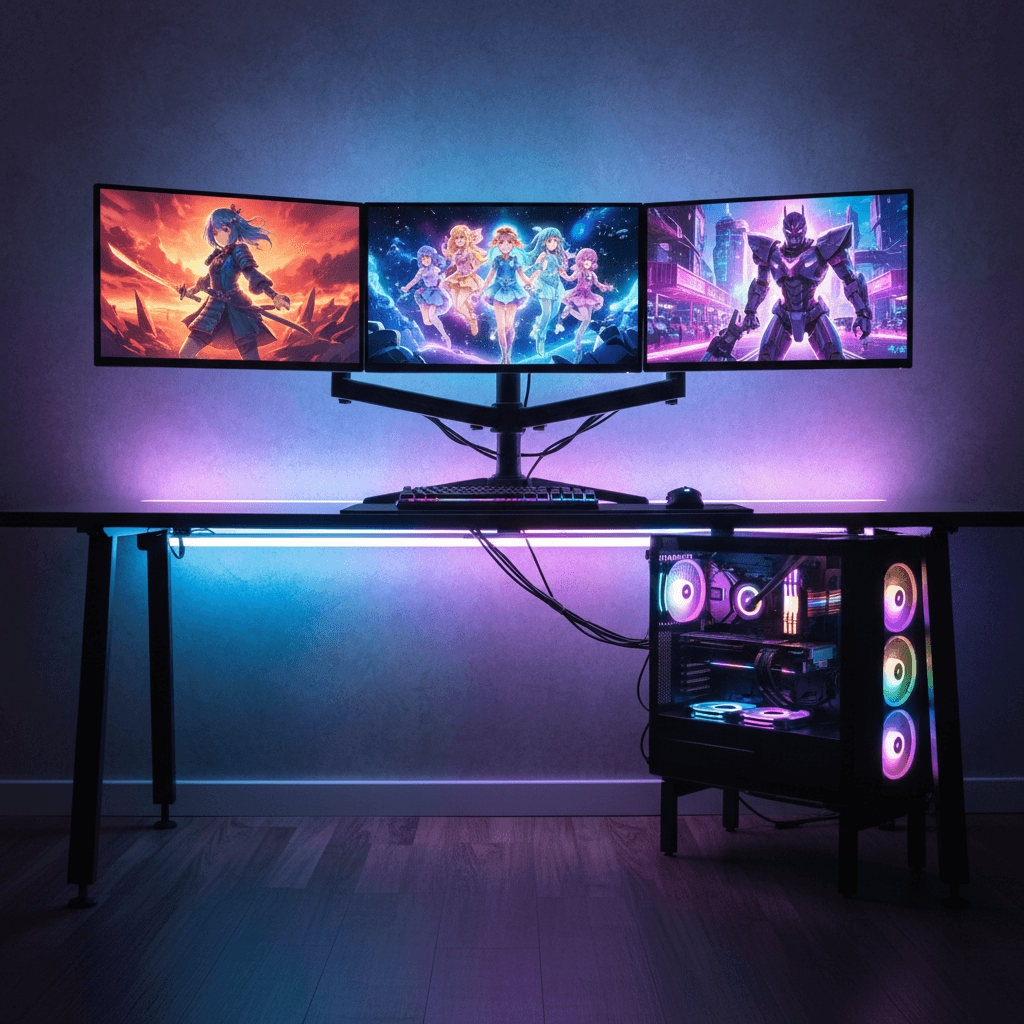
Here’s the most fun part: make the space feel like yours. Add your favorite anime figures, a plant, or wall art that makes you smile. Throw in some LED accents or themed décor - but don’t go overboard. The best setups are the ones that reflect personality without feeling cramped. When your desk feels personal, it becomes your zone - a place that inspires you to create, play, and unwind every day.
- Focus on Airflow and Cleanliness →
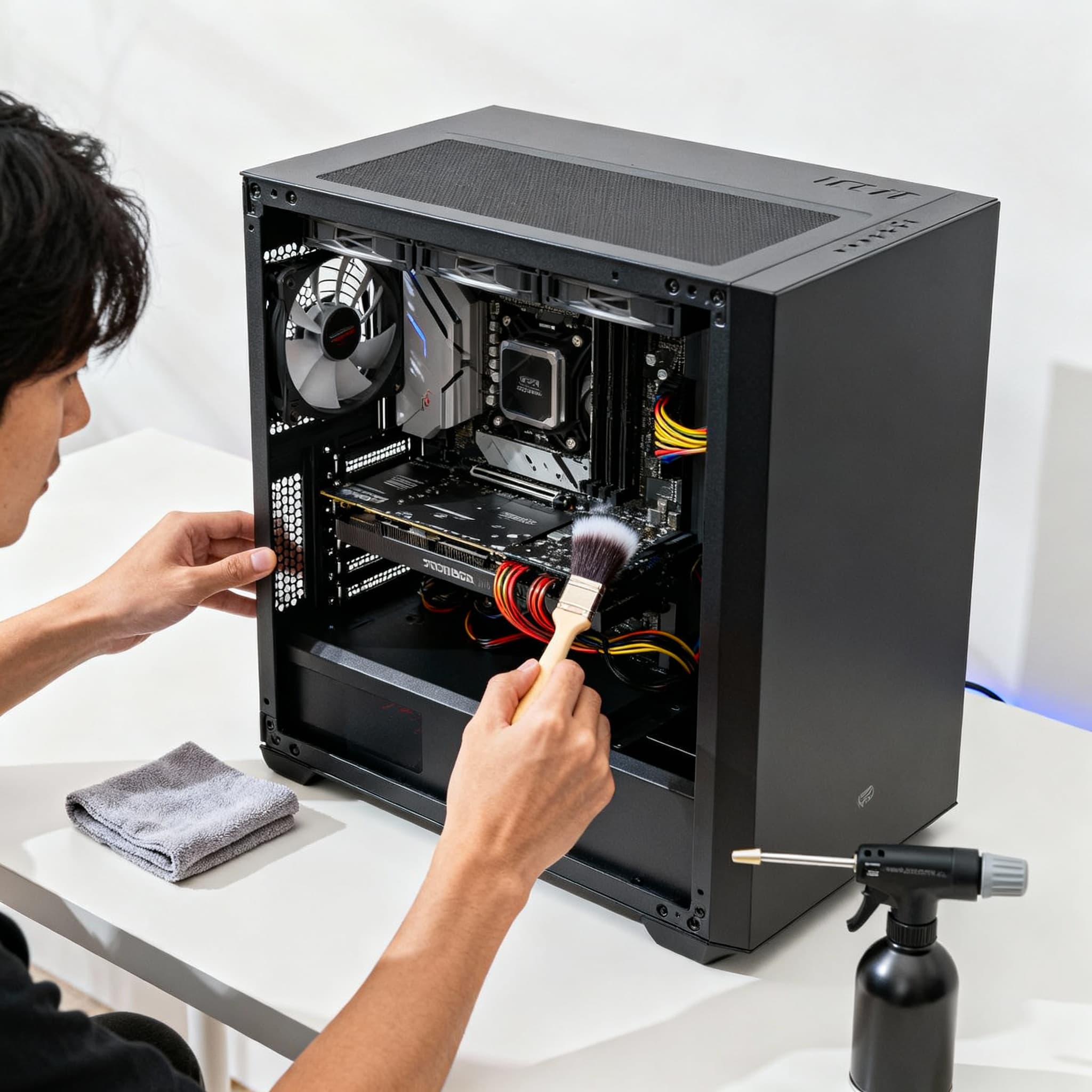
A clean setup isn’t just for looks - it’s for performance. Keep your PC a few inches from the wall to help airflow. Use compressed air to remove dust from fans, vents, and keyboards, and clean surfaces regularly with microfiber cloths. A dust-free desk just feels better to sit at. Besides, when your gear stays cool and clean, it performs better and lasts longer - and that’s a win-win for looks and performance.
- Evolve Over Time →
Don’t pressure yourself to build the perfect setup overnight. Great setups grow with their owners. Maybe you start with a new mousepad today, add a glowing monitor arm next month, and upgrade your keyboard later. Each piece you add builds your dream setup, step by step. Enjoy the journey. Every upgrade, no matter how small, keeps that excitement alive.
FAQs
Final Thoughts 💭
Transforming your regular desk into a pro-level gaming setup isn’t about money - it’s about creativity, patience, and smart upgrades. Every wire you hide, every light you place, and every piece of gear you choose builds toward that perfect space where focus meets fun. The moment you power up and see your setup glow just right - you’ll know it was all worth it. 🎮✨