4K vs Ultrawide vs Curved Monitors: Which One Is Right for You? (2026 Comparison Guide 🖥️)
10 December 2025
Confused between 4K, ultrawide, and curved monitors? This in-depth 2026 comparison breaks down resolution, immersion, productivity, gaming performance, and value so you can confidently pick the perfect display for your setup.
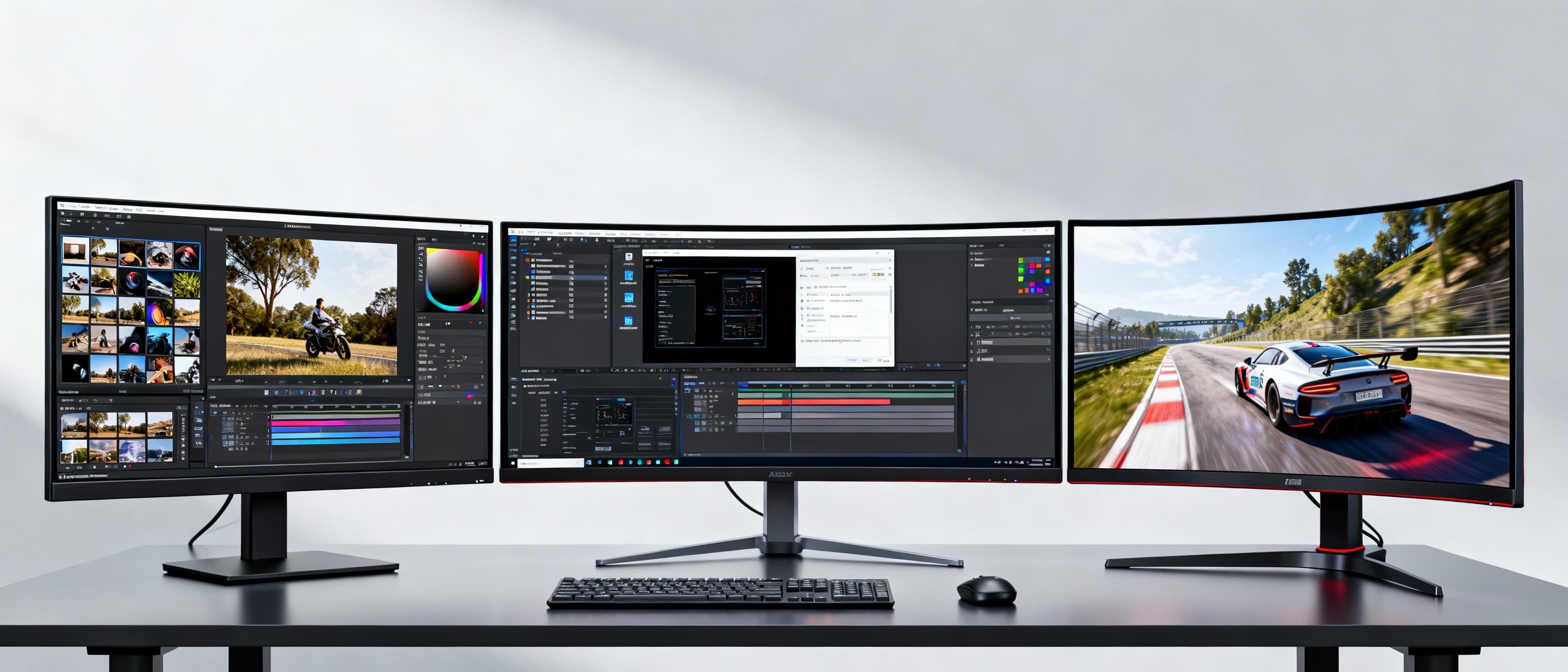
Buying a new monitor in 2025 isn’t as simple as picking the biggest screen or the lowest price anymore. Walk into any online store and you’ll instantly face three big choices - 4K, Ultrawide, and Curved monitors. Each one promises immersion, productivity, and performance… but in very different ways. And that’s where the confusion begins. Maybe you want razor-sharp clarity for editing, an immersive gaming experience that wraps around your vision, or a wide workspace that replaces dual monitors entirely. The truth is, there’s no “one best monitor for everyone.” There’s only the one that fits your desk, your work, your games, and your lifestyle. This guide will walk you through the real differences - not just specs - so by the end, you’ll know exactly which monitor feels right for you.
4K vs Ultrawide vs Curved Monitors - The Real-World Comparison (2025) 🖥️⚔️
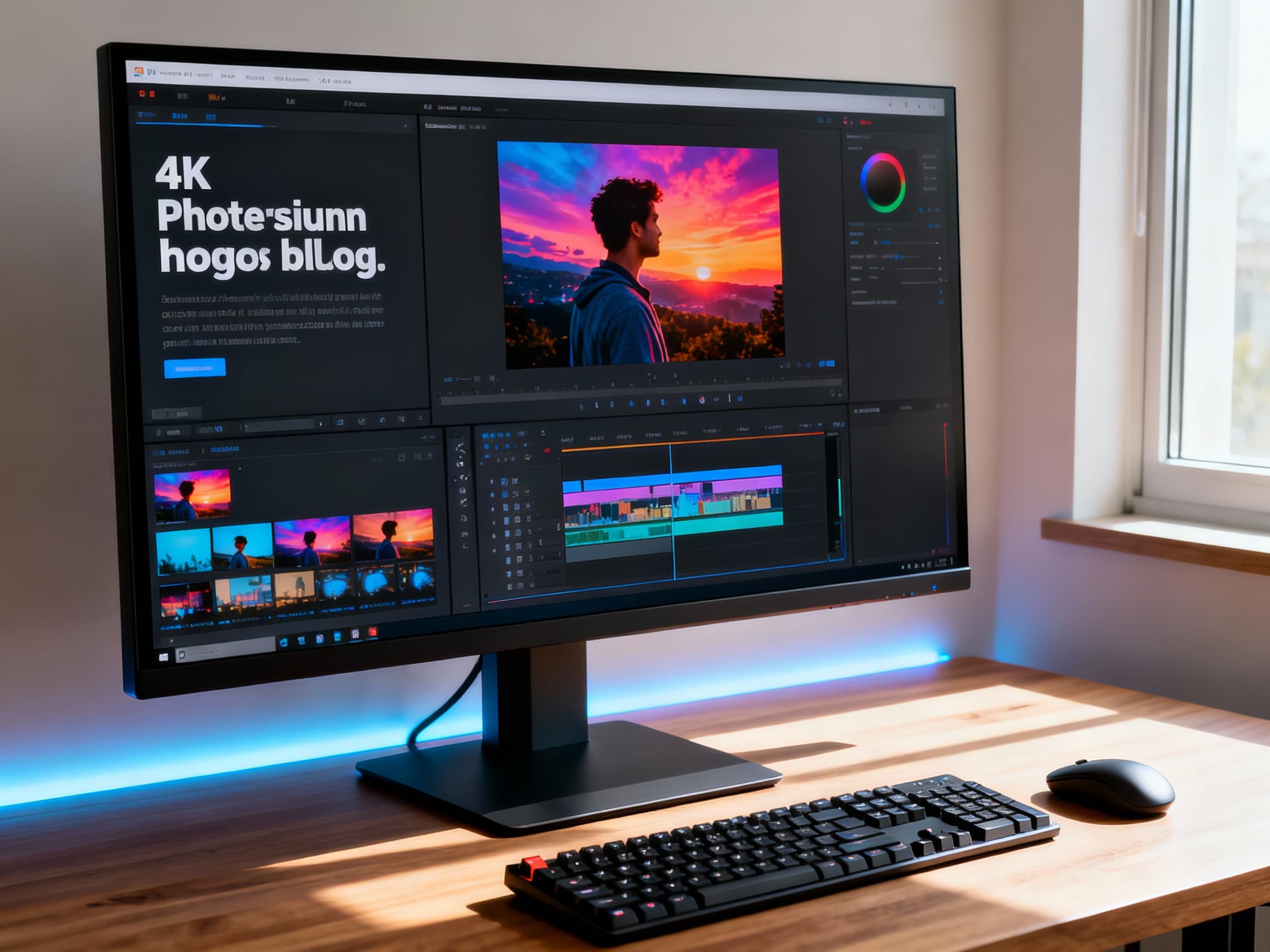
- What Exactly Is a 4K Monitor? →
A 4K monitor has a resolution of 3840 x 2160 pixels, meaning it packs four times more pixels than a standard 1080p display. The most noticeable benefit? Stunning sharpness. Text looks crisper, images look more detailed, and videos feel incredibly lifelike. For photo editors, video creators, designers, and anyone who cares about detail, 4K feels like upgrading your eyesight. However, it also demands more from your GPU, especially for gaming. The beauty of 4K comes at the cost of performance and price - but for the right user, it’s absolutely worth it.
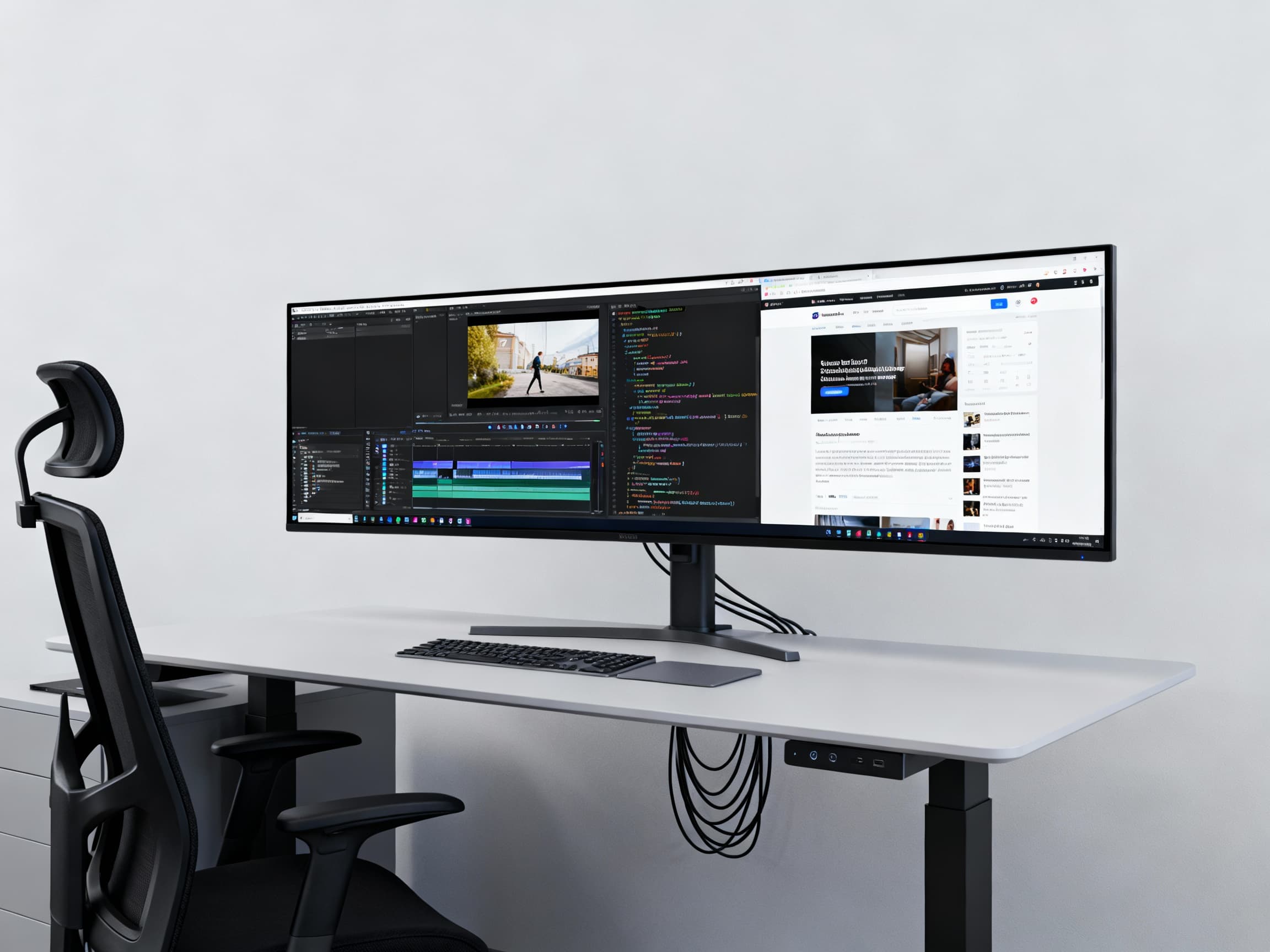
- What Is an Ultrawide Monitor? →
Ultrawide monitors usually follow a 21:9 or 32:9 aspect ratio, giving you a much wider screen compared to standard displays. Think of it as having two monitors fused into one seamless panel, without the annoying bezel in the middle. Ultrawides shine in multitasking, editing timelines, coding, stock trading, and immersive gaming. Once you place three apps side-by-side without feeling cramped, it’s hard to go back. The trade-off? Slightly lower vertical resolution compared to 4K and higher GPU load at wide resolutions.
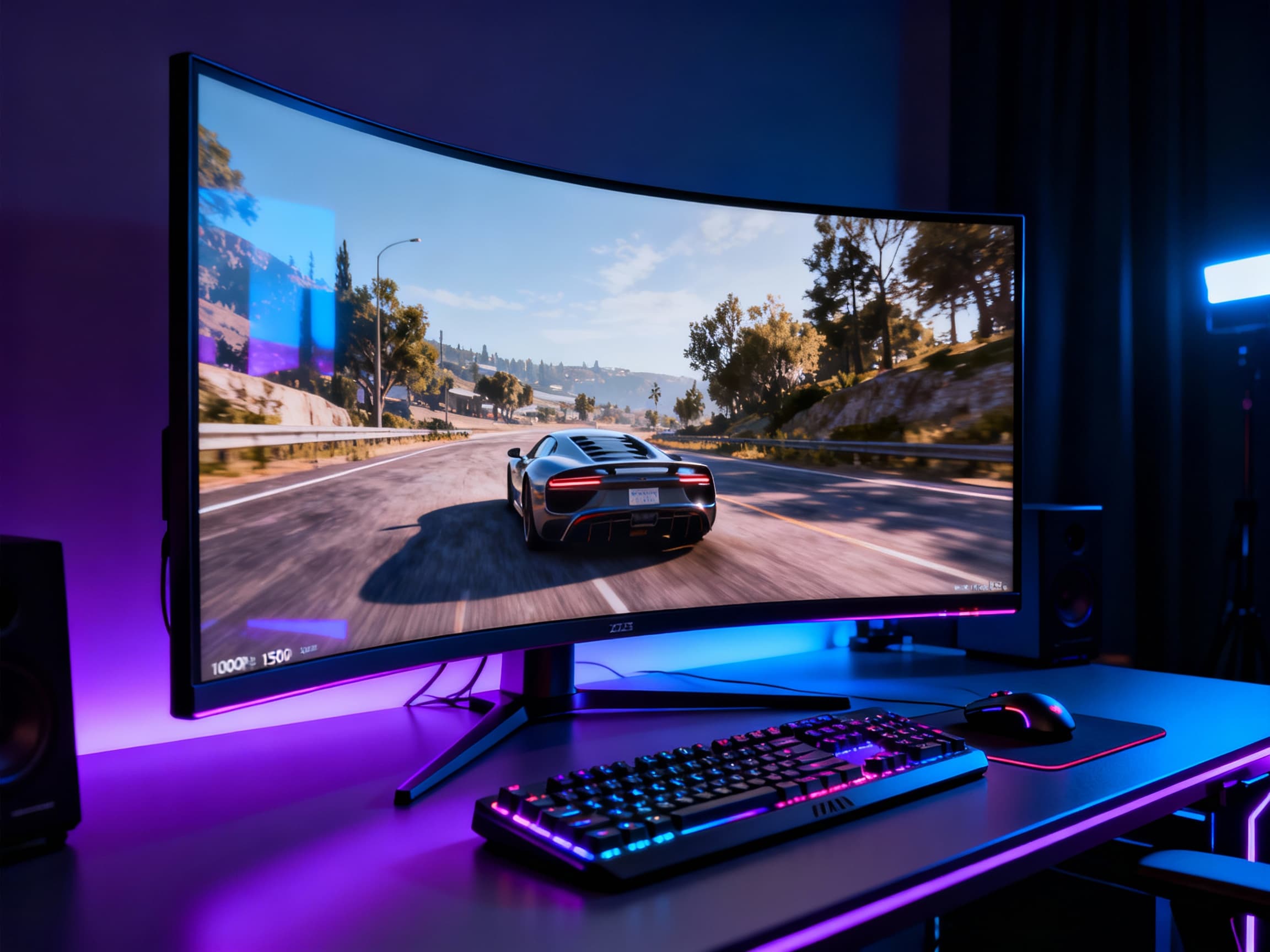
- What Makes a Curved Monitor Different? →
A curved monitor uses a bent panel to match the natural curve of your eyes. Instead of being flat, it wraps slightly around your vision. This reduces distortion at the edges, improves perceived depth, and makes long sessions easier on the eyes. Curved monitors are especially loved for gaming, ultrawide usage, and movies. The deeper the curve (like 1000R), the more immersive it feels. The downside? For design work or straight-line accuracy, flat panels are sometimes preferred.
- Image Quality: Sharpness vs Width vs Depth →
If raw sharpness is your top priority, 4K wins without debate. Text clarity, fine textures, and editing precision are unmatched. If workflow space and horizontal multitasking matter more, Ultrawide wins with its massive canvas. If immersion and comfort are what you crave, Curved displays win by pulling you inside the screen. Each monitor type focuses on a different type of visual satisfaction - detail, space, or presence.
- Gaming Experience: Which Feels the Most Immersive? →
For cinematic AAA games, ultrawide and curved monitors feel magical. Racing games, open-world RPGs, and flight simulators feel broader and deeper. However, competitive esports players often prefer flat 1440p or 4K monitors with very high refresh rates for sharper focus and faster response. 4K gaming looks incredible but requires a powerful GPU to maintain smooth FPS. Ultrawide gaming feels immersive but isn’t supported by every game. Curved gaming adds presence but doesn’t improve performance itself - it enhances perception.
- Productivity & Work: Which One Makes You More Efficient? →
For office work, coding, editing, or multitasking, ultrawides are productivity monsters. You can run spreadsheets, browsers, timelines, chat, and tools side-by-side with zero friction. 4K monitors are excellent for precise design, reading dense documents, and detailed graphics work. Curved monitors reduce eye movement and fatigue during long hours, making them excellent for daily work comfort. The best productivity setup often combines ultrawide + curved together.
- Desk Space & Ergonomics →
4K monitors usually come in 27-32 inch sizes and fit most desks easily. Ultrawide monitors can be massive - especially 34-inch or 49-inch variants - and demand serious desk space. Curved monitors often feel bigger than they actually are because of the wrap-around effect. If your desk is small, a 27-inch 4K flat monitor is often the most practical choice. Always measure before buying - visuals mean nothing if your setup feels cramped.
- GPU & Hardware Requirements →
This is where many buyers make costly mistakes. 4K gaming requires strong GPUs like RTX 4070 Ti, 4080, or higher for smooth performance. Ultrawide gaming also hits GPU performance hard because of the wider resolution. Curved monitors don’t change GPU load by themselves - only resolution does. If you’re on a mid-range GPU, 1440p ultrawide might be a safer and smoother choice than 4K.
- Content Creation & Editing →
For YouTubers, photographers, and designers, 4K monitors give pixel-perfect accuracy and better zoom control when editing. Ultrawides shine for video timelines, audio tracks, and long spreadsheets. Curved monitors feel immersive but are not always ideal for color-critical or geometry-accurate work. Many creators now use dual-setup systems: one 4K display for precision + one ultrawide for workflow.
- Budget Comparison in 2026 →
In 2025, budget 4K monitors start around ₹20,000-₹30,000. Ultrawide monitors range widely from ₹25,000 up to ₹1,20,000+ depending on size and refresh rate. Curved monitors exist in both budget and premium segments, but large curved ultrawides become expensive quickly. 4K offers the best sharpness-per-rupee value. Ultrawides offer the best workspace expansion. Curved monitors add comfort but increase cost.
- Who Should Choose a 4K Monitor? →
Choose a 4K monitor if you prioritize razor-sharp visuals, photo/video editing, professional work, and cinematic single-screen gaming. If you love watching high-resolution content and value clarity over screen width, 4K will feel like a visual upgrade every single day.
- Who Should Choose an Ultrawide Monitor? →
Choose ultrawide if your work involves multitasking, video editing timelines, stock trading, coding, or immersive gaming. If you constantly juggle windows and hate dual-monitor bezels, ultrawide will completely change how you work and play.
- Who Should Choose a Curved Monitor? →
Choose curved if you spend long hours in front of your screen and care about eye comfort and immersion. Curved displays feel natural for gaming, movies, and ultrawide users. If your priority is comfort and presence, curved screens feel emotionally satisfying in a way flat screens don’t.
FAQs
Final Thoughts 💭
Choosing between 4K, ultrawide, and curved monitors isn’t about chasing trends - it’s about choosing how you want to experience every moment at your desk. 4K gives you breathtaking clarity. Ultrawide gives you freedom and workflow power. Curved gives you immersion and comfort. The best monitor isn’t the most expensive one - it’s the one that makes you feel focused, inspired, and excited every time the screen lights up. Choose the one that fits your life, not just your specs. 🖥️✨