How to Choose the Perfect Monitor for Gaming, Work, or Editing (2026 Buying Guide) 🖥️✨
6 December 2025
A complete 2026 guide to choosing the perfect monitor for gaming, work, or content creation. Learn about refresh rates, panel types, color accuracy, screen size, ports, HDR, and ergonomics.
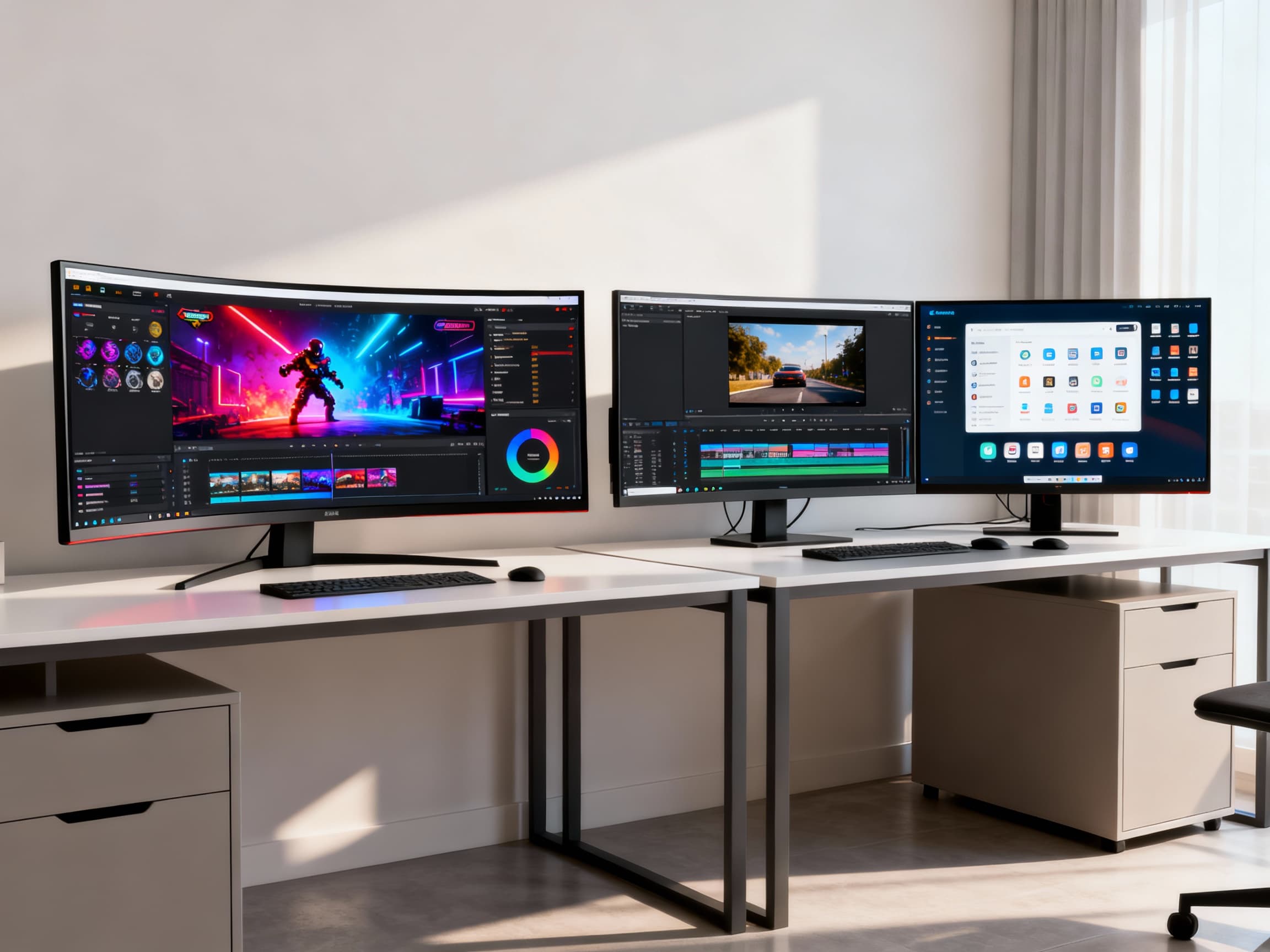
Your monitor is more than just a screen - it's your window into every game, project, and creative idea. Whether you’re grinding ranked matches, editing videos, designing graphics, or working long hours from home, the right monitor can completely transform your experience. In 2026, the monitor market is bigger than ever, and picking the perfect one can feel overwhelming: IPS vs VA, 144Hz vs 240Hz, 1080p vs 4K - what does it all mean? Don’t worry. This guide breaks everything down in simple, human terms so you can choose the display that truly fits your life, your desk, and your goals.
Monitor Buying Guide 2026: Specs That Actually Matter 🖥️🧠
- Start With Your Purpose - Gaming, Work, Editing, or All Three? →
Before diving into specs, decide what you’ll use your monitor for. Gamers need high refresh rates and low response times. Office users need eye comfort and clarity for long hours. Editors and designers need accurate colors and wide gamuts like sRGB or DCI-P3. When you know your purpose, choosing becomes easy - and you're not wasting money on features you'll never use.
- Pick the Right Screen Size for Your Space →
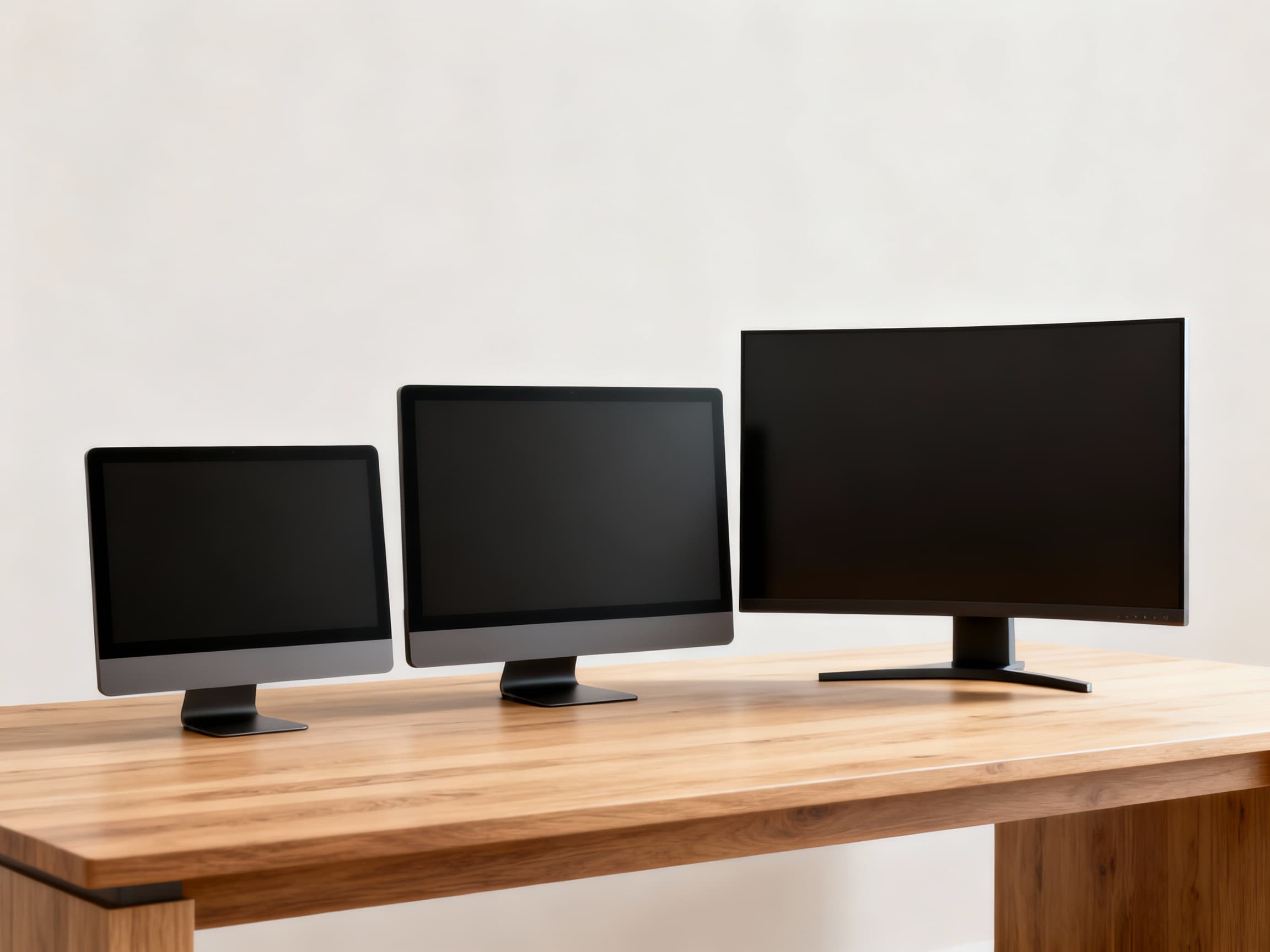
Bigger isn’t always better. A 24-inch monitor is great for compact desks and competitive gaming. 27-inch is the sweet spot for most users, offering immersive viewing without dominating your desk. 32-inch or ultrawide displays are ideal for multitasking, editing timelines, and cinematic gaming. Measure your desk depth - ideally, your eyes should be 50-70 cm away from the screen.
- Resolution: 1080p vs 1440p vs 4K - What’s Best in 2026? →
1080p is still great for esports and budget setups. 1440p is the perfect balance for gaming and productivity - crisp visuals without needing a monster GPU. 4K is unbeatable for editing, design, and cinematic AAA games but requires more graphics power. For creators, 4K with proper scaling is a dream to work on. Choose based on your GPU power and workspace size.
- Refresh Rate: A Must-Know for Gamers →
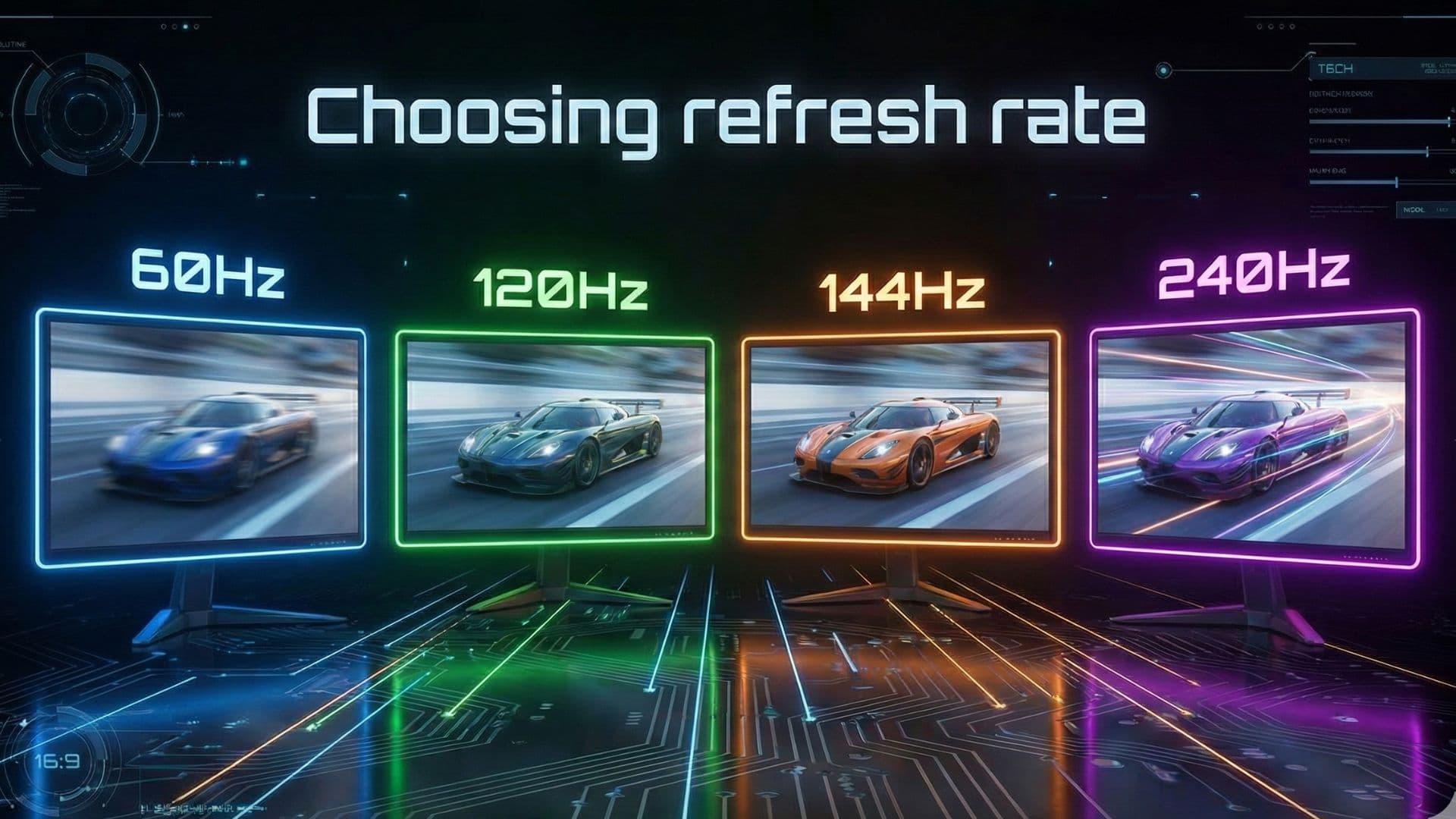
Refresh rate decides how smooth movement feels. 60Hz is fine for casual use. 120-144Hz is the sweet spot for gaming in 2026 - smooth, responsive, and affordable. 240Hz or 360Hz is built for competitive players who want every advantage in fast-paced games. But remember: higher refresh only matters if your PC can push enough FPS. Pair your monitor with the right GPU for true performance.
- Panel Type: IPS vs VA vs OLED →
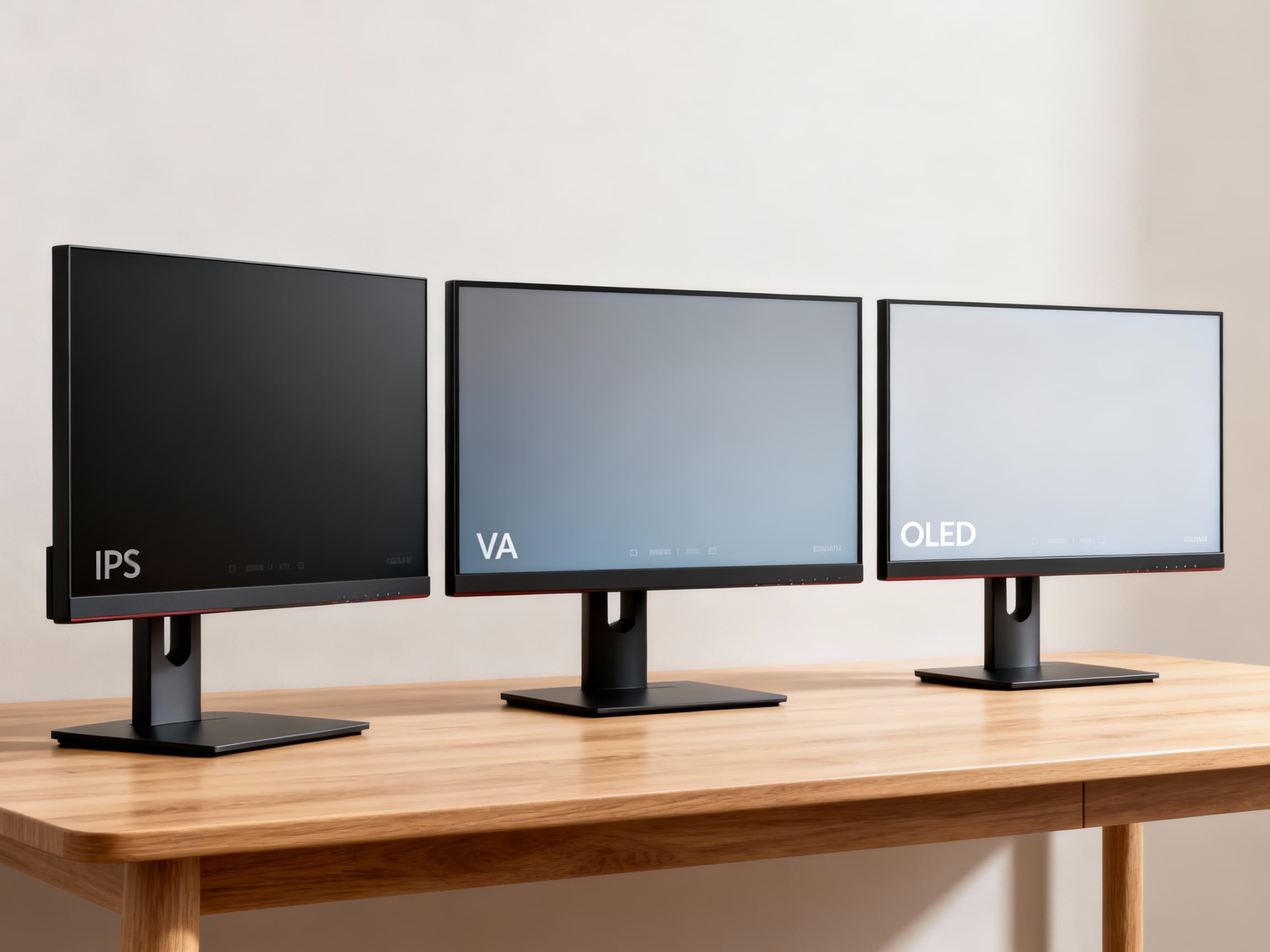
IPS panels offer the best colors, brightness, and viewing angles - perfect for editing and productive workflows. VA panels deliver deeper contrast and are great for immersive gaming or movies, but slightly weaker in fast response. OLED monitors are becoming more affordable in 2026, offering infinite contrast, incredible colors, and buttery-smooth motion - though they cost more and require burn-in care. Choose based on what you value most.
- Color Accuracy Matters for Creators →
If you edit photos or videos, don’t ignore color coverage. Look for monitors with 100% sRGB, 90-95% DCI-P3, or factory calibration. HDR (High Dynamic Range) also improves color depth, but avoid fake HDR - look for HDR400 or higher for true improvement. Good colors help your work shine and reduce frustration when exporting videos or graphics.
- Ports: Make Sure Your Monitor Supports Your Devices →
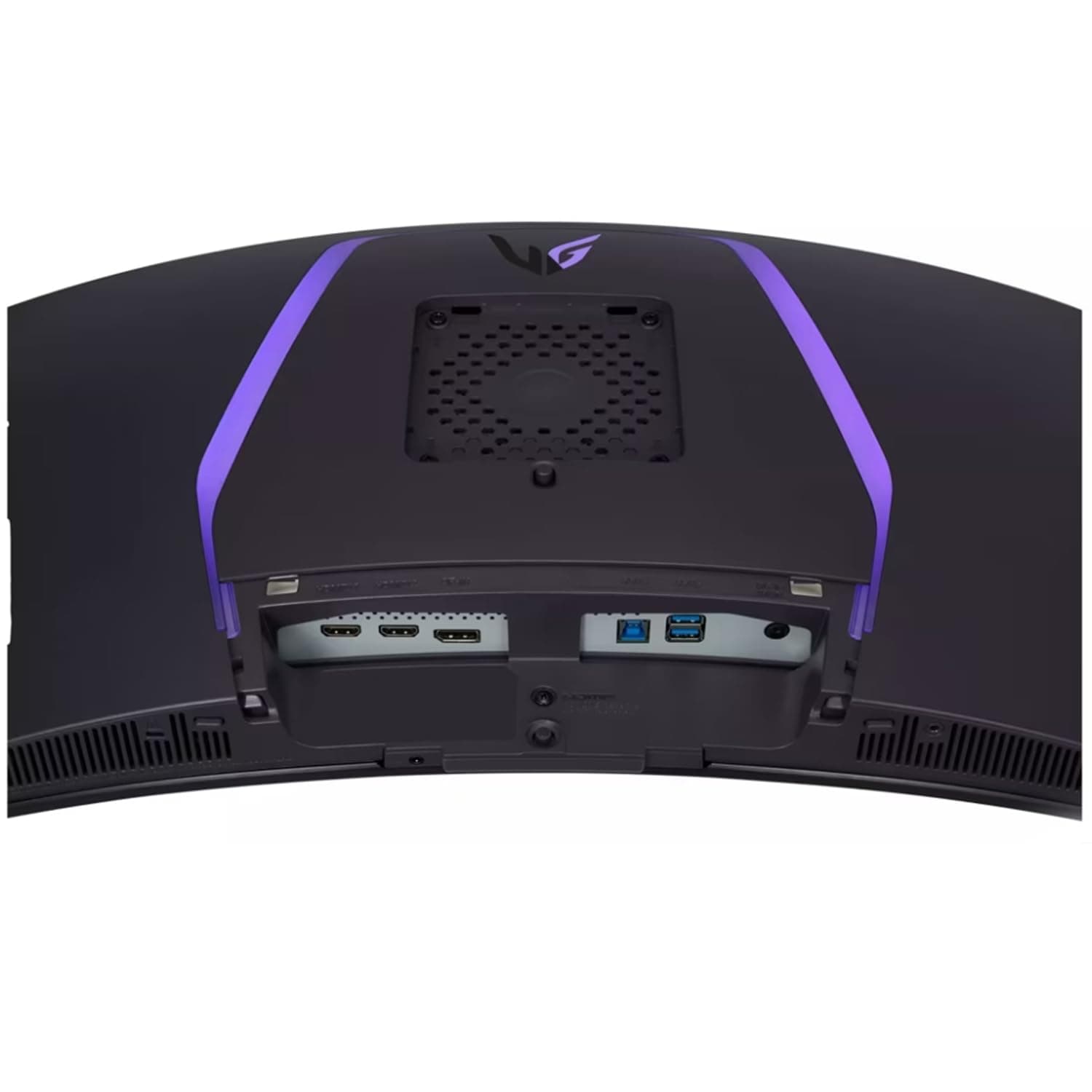
In 2026, HDMI 2.1, DisplayPort 1.4, and USB-C with 65-100W power delivery are the ports that matter. Gamers with PS5 or Xbox should choose HDMI 2.1 for 120Hz support. Laptop users will love USB-C monitors that charge your laptop and transfer display signal with one cable - super clean and convenient. Always check compatibility before you buy.
- Ergonomics: Don’t Ignore Comfort →
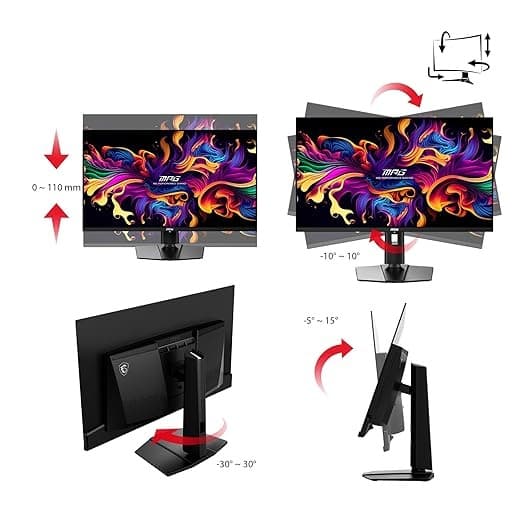
A good monitor should move with you. Look for height adjustment, tilt, pivot, and swivel controls. These reduce neck strain and help you work comfortably for long hours. Pair your monitor with a sturdy VESA arm for maximum flexibility and desk space. Ergonomics matter more than people realize - comfort improves productivity.
- Ultrawide vs Dual Monitors - Which Is Better? →
Ultrawide monitors (21:9 or 32:9) give a cinematic field of view perfect for editing timelines and immersive gaming. Dual monitors are better for multitasking, separating workspaces, or combining vertical + horizontal screens. Choose ultrawide for simplicity and immersion; choose dual monitors for maximum productivity and flexibility.
- Budget: How Much Should You Spend? →
A good monitor doesn’t have to cost a fortune. In 2026, ₹10,000-₹15,000 gets you a solid 1080p display. ₹20,000-₹30,000 unlocks premium 1440p options. ₹40,000+ is where 4K, OLED, and creator-grade monitors shine. Don’t overspend - choose what matches your needs today and leaves room for upgrades tomorrow.
FAQs
Final Thoughts 💭
Choosing the right monitor isn’t just about numbers on a spec sheet - it’s about finding a display that feels right for your work, your games, and your space. The perfect monitor will improve your focus, boost your creativity, and make everything you do feel smoother and more enjoyable. Whether you’re a gamer chasing high FPS, a creator demanding color accuracy, or a professional needing comfort for long hours, there’s a perfect monitor waiting for you in 2026. Pick wisely, invest in what matters, and transform the way you see your world. ✨